gamingsafetypdfguides.com
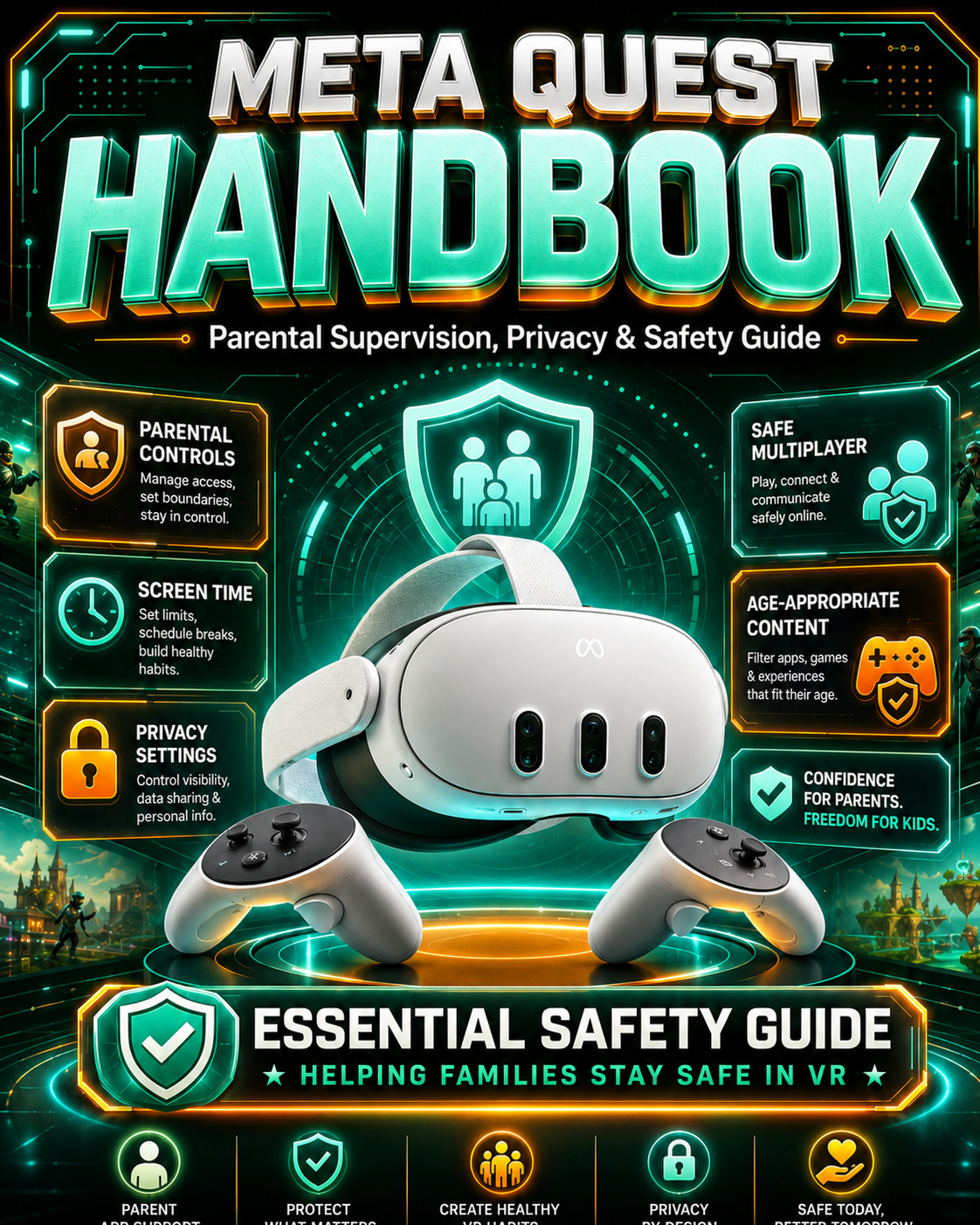
Meta Quest 3 Parent Safety Guide: Supervision, Privacy & App Controls
Meta Quest 3 Parent Safety Guide: Supervision, Privacy & App Controls
Couldn't load pickup availability
Help make online gaming safer and easier to understand.
This parent-friendly PDF guide breaks down important safety settings, privacy tools, scam warning signs, and simple steps families can use to create a safer gaming experience.
Inside this guide, you’ll learn:
How to review privacy and account settings
How to understand chat and communication features
Common scam warning signs to watch for
Simple safety conversations to have with your child
Steps parents can take without needing to be tech experts
Helpful checklist-style tips you can come back to anytime
Perfect for:
Parents
Guardians
Caregivers
Families new to online gaming
Busy adults who want clear safety steps without hours of research
Delivery:
This is a digital PDF guide. You will receive access after purchase. No physical item will be shipped.
Important note:
This independent educational guide is not affiliated with Roblox, Discord, Meta, Facebook, or any gaming platform.
A technical walkthrough focusing on the 'Family Center' and setting up separate accounts for pre-teens (10-12) vs. teens to unlock specific Meta safety layers.
- Step-by-step Meta Quest 3 safety setup so parents can quickly understand supervision tools without feeling overwhelmed.
- Helps parents manage apps, screen time, privacy, and social features before their child spends hours inside VR.
- Includes easy-to-follow parental supervision guidance for setting up accounts, approvals, restrictions, and family safety settings.
- Explains VR safety in plain English — from play-space boundaries to online interactions, spending controls, and age-appropriate use.
- Designed for busy parents who want a clear, simple guide instead of searching through confusing settings and help pages.
- Helps reduce common VR risks like unwanted purchases, unsafe chats, inappropriate apps, and poor privacy settings.
- Perfect for new Meta Quest 3 owners or families buying VR for kids and teens.
- Includes practical checklists and safety tips parents can use right away.
Share